Instrument Details are One Click Away in Ymax
Ymax Team
June 02, 2026
Ymax
defi
yield optimization
product update
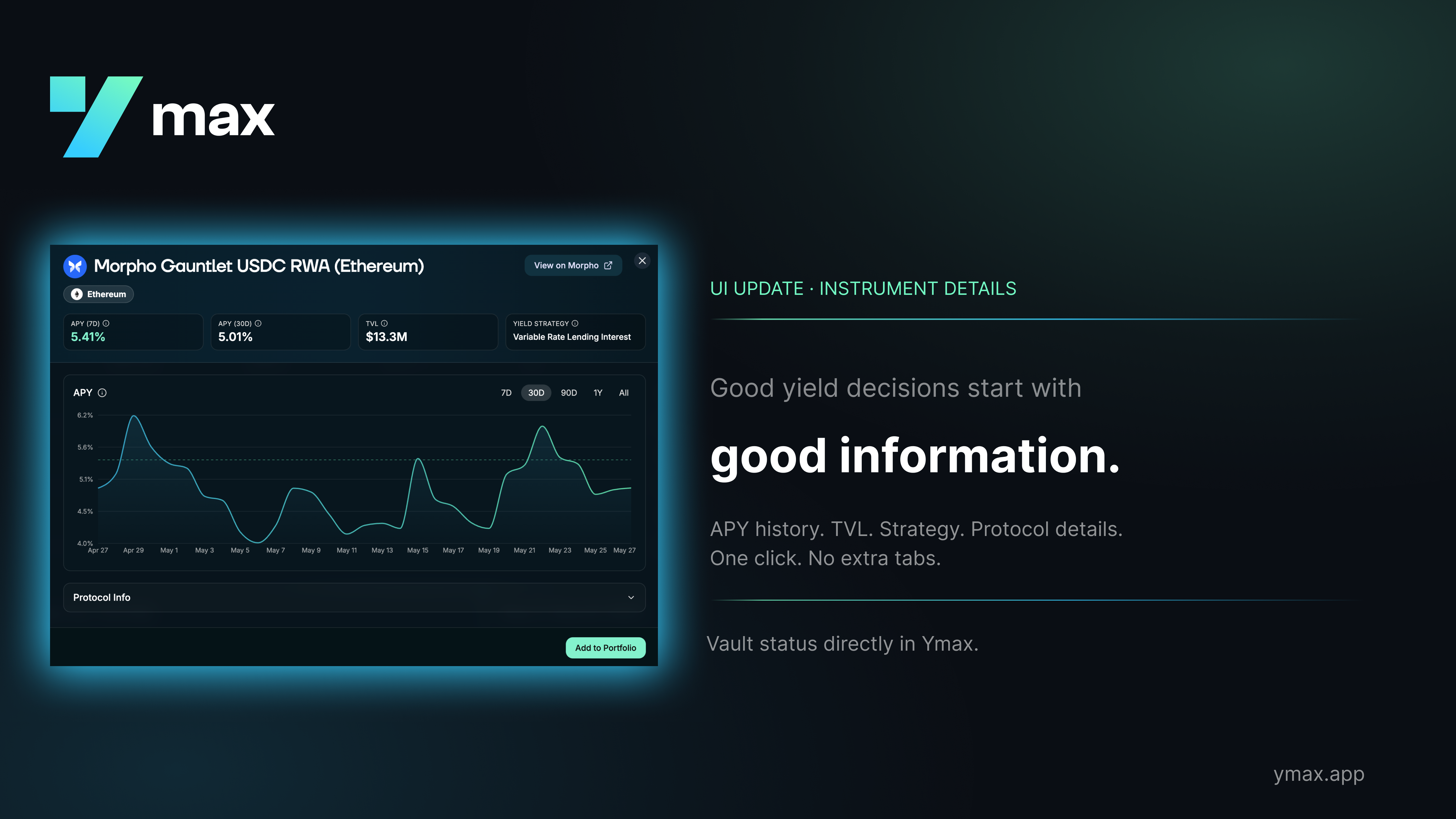
Good yield decisions start with good information. Ymax now puts it in one place: click any instrument and you'll see APY over 7, 30, and 90 days, current TVL, yield strategy, and protocol details — everything relevant to evaluating a position without leaving the interface. You shouldn't have to open four tabs to answer a basic question about where your capital is sitting.
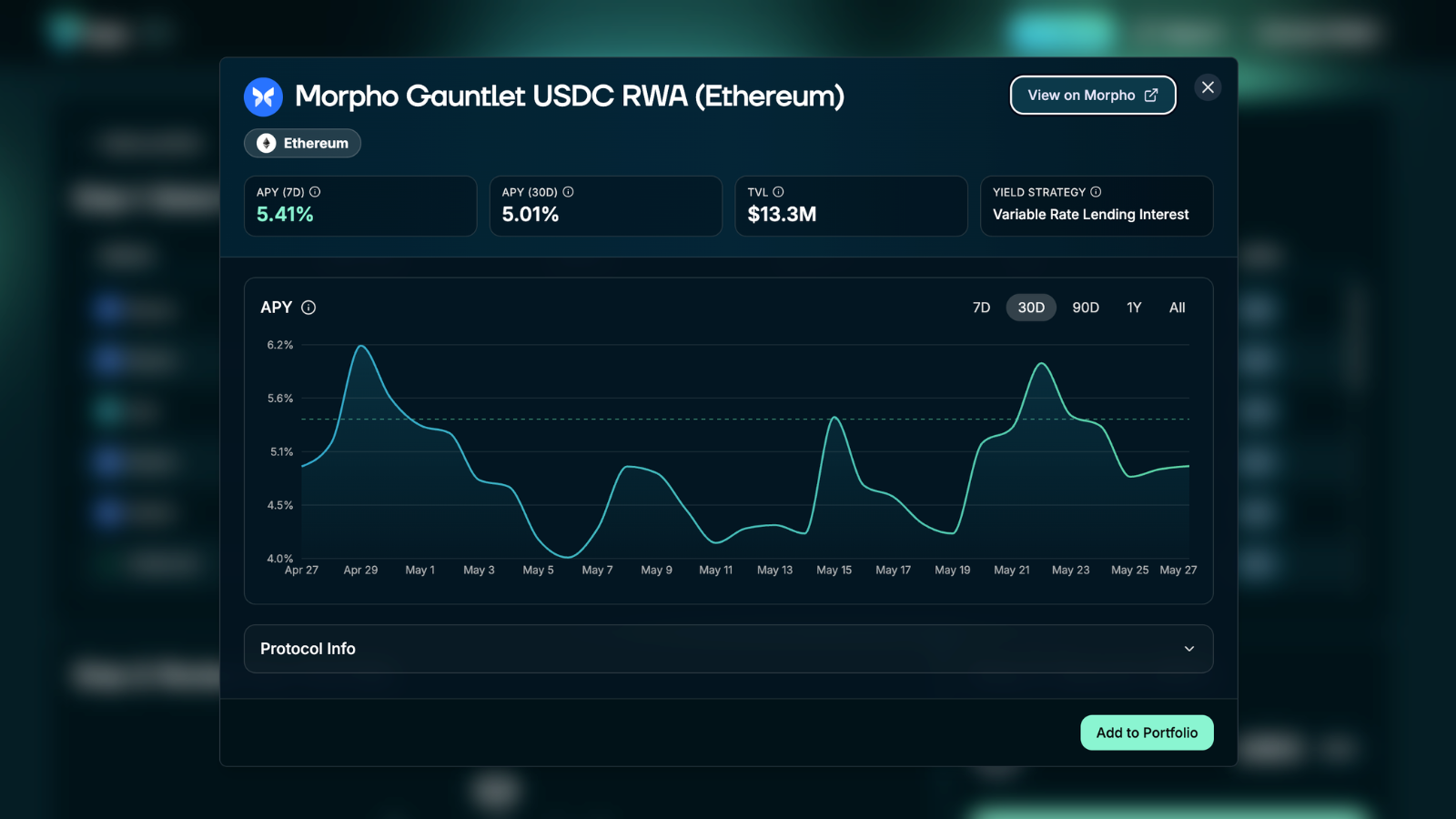
Example of Morpho Vault Instrument Details
Beyond performance data, instruments now surface on-chain conditions that might affect your portfolio. If a vault has been paused by the curator, is at capacity, deprecated, or has liquidity constraints, you'll see that status directly on the instrument, not after the fact.
Four statuses to know:
At Capacity — pool is full, new deposits blocked
Paused Deposits — curator has halted new inflows
Deprecated — instrument is being wound down
Low Liquidity — deposits blocked; Ymax won't attempt to withdraw beyond available liquidity
When any of these conditions apply, funds that can't be deployed are held as USDC and put to work on your next action, nothing to configure.